Carta
The Jalur Gemilang, drawn to the government's construction sheet, with one change: its fourteen stripes are a bar chart. Each stripe is one unit shorter than the one above, so the fly edge runs at exactly 45°. Read fast, it is the flag. Read again, it is what this site does: public money, ranked.
Drawn on the official sheet
Every flag dimension comes from the government construction sheet. The only departure is the fly edge.
Source: the construction sheet in ASEAN's copy of the national flag specification. It dimensions the outer crescent and the star; the inner crescent circle is dimensioned only at its hoist edge, and its Ø5½ follows Flags of the World's reading of the same sheet, which lands its horns where the sheet draws them.
The flag's four, and the site's paper and ink
- Pantone
- 2768 C
- CMYK
- 100 100 0 0
- Screen
- #000066
- Pantone
- 199 C
- CMYK
- 0 100 100 0
- Screen
- #cc0000
- Pantone
- 108 C
- CMYK
- 0 0 100 0
- Screen
- #ffcc00
- Pantone
- none (paper)
- CMYK
- 0 0 0 0
- Screen
- #ffffff
Pantone and CMYK: Jabatan Penerangan, Bendera Kita: Jalur Gemilang (2017), Jadual 1. The government publishes no screen values; the hex codes are those of Wikimedia's reference drawing. In code they are the Tailwind colours biru, merah and kuning, with full 50–950 scales for the first two. Across the site Biru carries the brand and interaction (links, focus, navigation) and Merah carries action and data (buttons, spending, overspend).

Four arrangements, one drawing
Clear space is four stripes on every side. The smallest stacked logo is 1.5px a stripe, as in the header; below that, use the icon. Sizes at whole or half pixels a stripe keep every stripe edge sharp.
It moves like a chart
Stripes only grow or shrink from the hoist, the way bars do. The star only turns in whole points: a fourteen-point star turned one point looks exactly as it started, so the flag is never left off-spec. With reduced motion on, nothing moves.
The header logo plays its intro once, on the first page of a visit: the canton, then the star turning in, then the stripes ranking in from the hoist.
Download the logo
“Build” is drawn as outlines in every file, so it looks the same without the font installed.
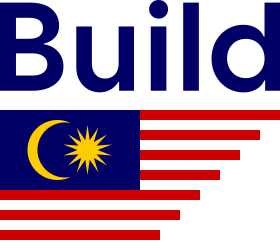 build-malaysia.svgLogo. Stacked. The primary lockup, for light grounds.
 build-malaysia-on-biru.svgLogo on Biru. Stacked, “Build” in Putih, for dark grounds.
 build-malaysia-inline.svgLogo, inline. For one-line spaces.
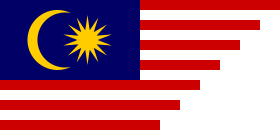 carta.svgFlag. Where “Build Malaysia” is written nearby.
 icon.svgIcon. Favicon and avatar.
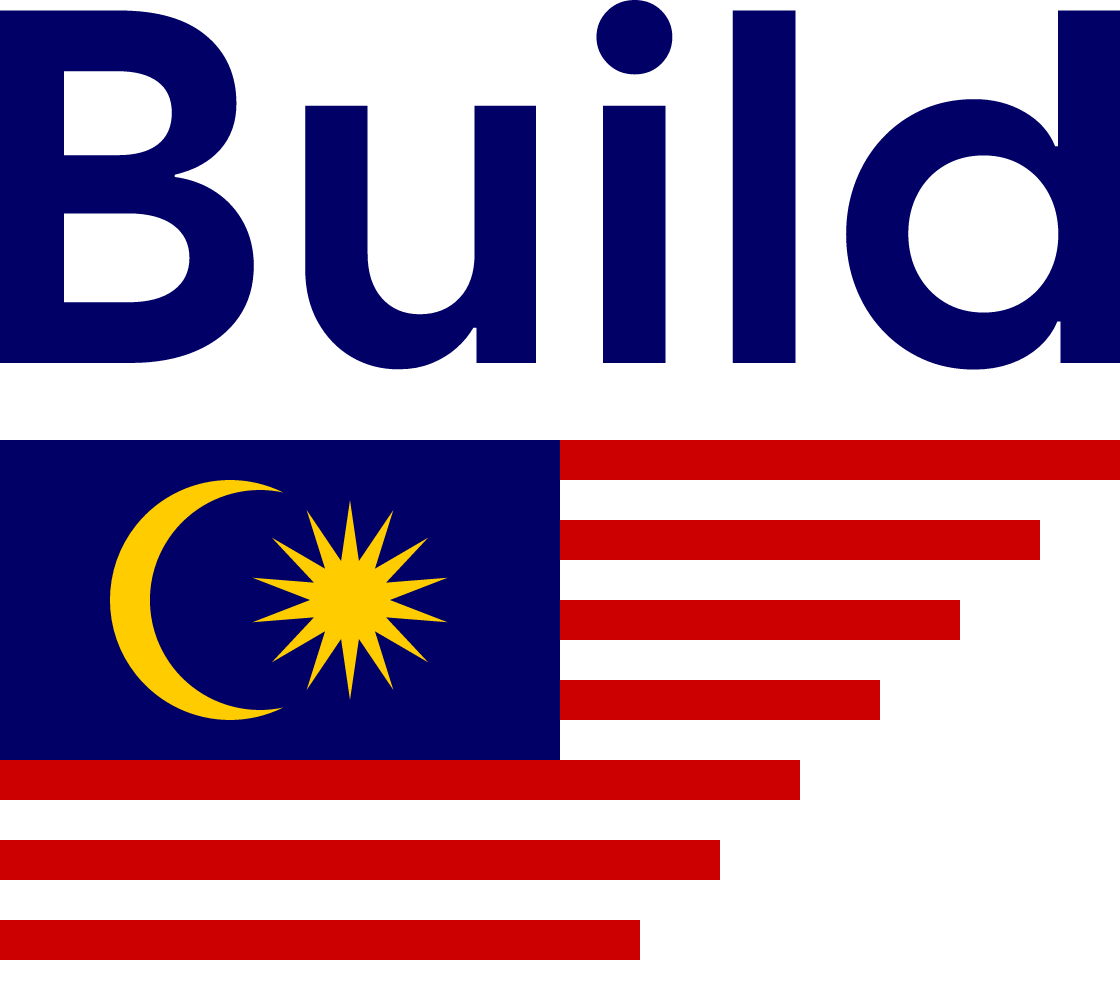 build-malaysia.pngLogo. 1120px wide, for documents and slides.
 apple-touch-icon.pngApple touch icon. 180 × 180.
 icon-192.pngApp icon. 192 × 192.
 icon-512.pngApp icon. 512 × 512.
 icon-maskable-512.pngMaskable icon. 512 × 512, padded for Android’s icon masks.
Don't
- Mirror it. The canton stays at the hoist and the crescent opens toward the fly.
- Cut the stripes any other way. The 45° edge is the only cut; other lengths read as a chart of made-up data.
- Recolour it. There is no one-colour flag. Where only one colour prints, write “Build Malaysia” alone.
- Set it on red. The red stripes vanish. Use white, Kertas or Biru.
- Stretch, tilt or wave it. Carta is a chart, and charts sit level at 1 : 2.
The design is Build Malaysia's; the flag in it belongs to everyone.